


 0

If your sleep tracker reports three awake periods and you can’t remember waking once, the problem may be the room, not your sleep. Sleep tracker noise is a real issue because most wearables read movement and heart rate, never sound. A passing truck, a neighbor’s door, or a partner rolling over can all look the same to a wrist sensor or ring. This guide explains what consumer trackers actually measure, how noise shows up in the numbers, and how to run a simple test to see whether better ear protection changes your results.
| Key Insight | Explanation |
|---|---|
| Trackers cannot hear your room | Wrist and ring sensors detect movement and heart rate. A noisy night and a restless night can look identical in the app. |
| Match wake events to real sounds | Compare each flagged awakening with what you remember, or with a short sound log written at the same time. |
| Read trends over 14 nights | One score moves with alcohol, late meals, and stress as well as noise. Two weeks of data shows patterns that a single night hides. |
| Keep a one-week noise log | Jot down sounds with rough times, such as “dog barking, 2 a.m.” Your log gives the tracker’s timestamps something to be checked against. |
| Swap foam tips every 6-8 weeks | A compressed or worn tip loses its seal, which weakens noise reduction and makes any before-and-after comparison unreliable. |
| Treat workplace hearing protection separately | Trackers do not measure noise dose on a shift. Hearing protection needs its own fit checks and replacement schedule. |
| Test ear plugs on alternating nights | Alternating nights controls for weekday patterns. Hold bedtime, caffeine cutoff, and room temperature as steady as you can. |
Most consumer sleep trackers estimate sleep from motion and heart rate, then infer sleep stages from patterns in those signals. Johns Hopkins Medicine makes the same point in its guide to sleep trackers: most devices produce a guesstimate of how much you are actually sleeping. Exact figures require a medical evaluation, not a wristband.
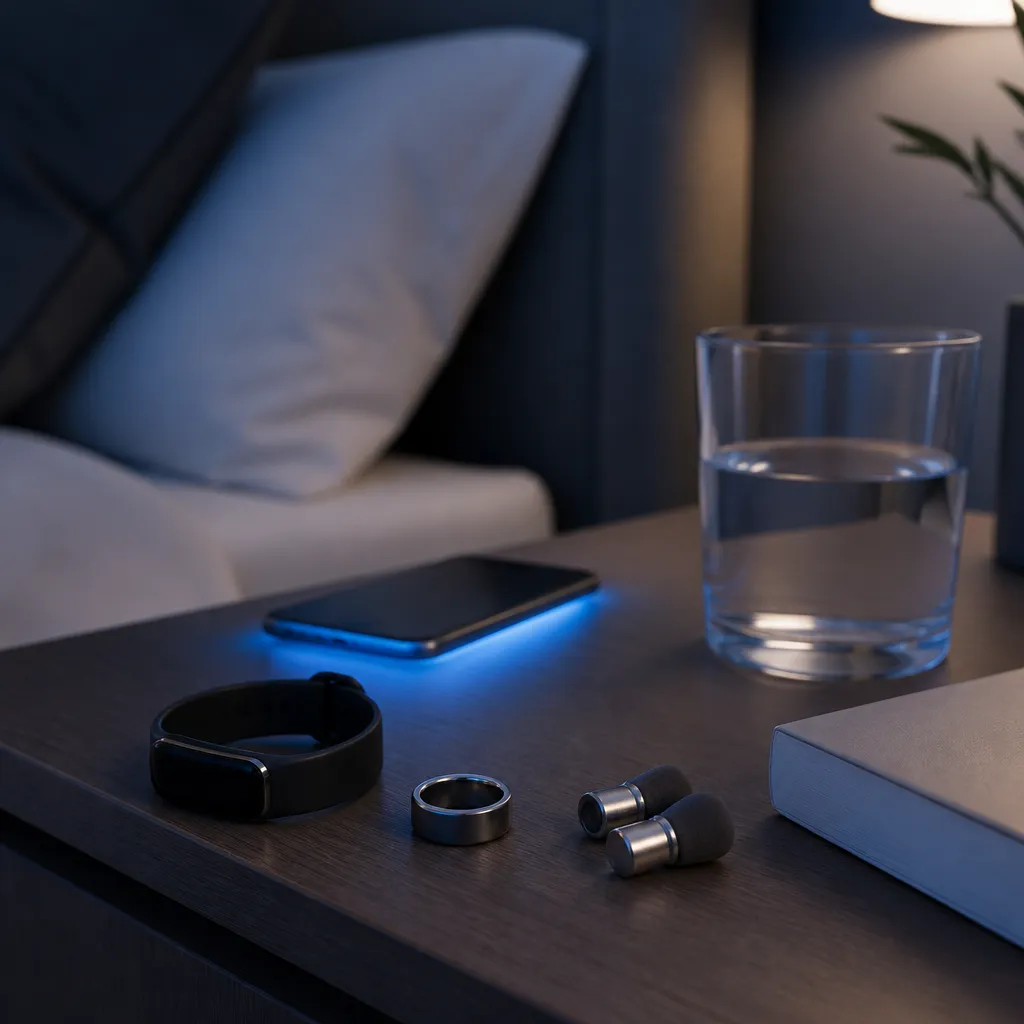
The design premise is simple. Fitbit’s Flex manual describes tracking the length and quality of sleep when you wear the device to bed. Every reading is therefore an inference from what your body does, not a direct record of what happened in the room.
The sensor registers when your wrist or finger moves, and optical sensors pick up changes in pulse. It never records decibels. A loud bang only registers if it makes you move, and a silent turn in bed can look identical to a sound-triggered one.
That gap is why a tracker can tell you that you were restless but not why. The device flags the event and leaves the cause to you, which is exactly where noise-sensitive sleepers get stuck.
A 2023 prospective multicenter study published in JMIR mHealth and uHealth tested 11 wearable, nearable, and airable consumer sleep trackers. Its existence says something useful: accuracy is judged product by product, not as one blanket standard for the whole category.
Pro tip: Check how the app defines sleep and wake before you trust any nightly number. Those thresholds decide whether a noisy moment counts as an awakening at all.
Noise rarely appears in your app labeled as noise. It shows up as a short awake period, a dip in the score, or a small bump in overnight heart rate. A sound that jolts you partway through a light stage can cause a brief arousal, and the body response is what the device records.
The sound is often gone by the time you check your phone. That leaves you with a timestamp and no explanation, which is the most frustrating pattern for noise-sensitive sleepers.
Common culprits include street traffic, a dishwasher cycle, a neighbor’s television, and a phone vibrating on a nightstand. Each of these tends to produce a short, sharp disturbance rather than a long one. If your tracker shows a cluster of awakenings between 1 and 3 a.m., compare that window with your sound log before blaming your mattress or your stress.
In practice, the noise that hurts sleep most is intermittent. Steady background hum is easier to adapt to than an irregular bang or a car alarm that goes off every twenty minutes, which keeps the nervous system on alert.
If you share a bed, a partner’s movement can register on your device. Some trackers try to separate sleepers, but results vary, so treat partner movement as a known blind spot. Snoring is a sound the tracker cannot hear directly. What it can show is the disruption, in the form of more movement and more brief awakenings.
A practical check is to note whether your flagged awakenings line up with nights when your partner was restless or snoring loudly. If they do, the problem is shared, and ear plugs are only part of the fix.
A sleep score blends total time, estimated stages, restlessness, and sometimes resting heart rate into one number. That number looks precise, but it compresses several different causes into a single figure. A noisy night and a night of late caffeine can produce the same drop.
A sleep score tells you how the night looked to a sensor. It does not tell you how the night felt to you.
That distinction matters most for light sleepers. Your sense of having slept badly may be accurate even when total hours look normal, and the score may still fall or rise for reasons unrelated to what kept you up.
Trackers often show more light sleep on nights when you wake easily. That pattern fits noise sensitivity, but it also fits alcohol, a late workout, a hot room, or a new medication. Treat light sleep as a clue to investigate, not a verdict on your environment.
When noise is involved, stage data becomes more useful once you read it next to your own notes. A night with fragmented light sleep and a sound log entry at 3:12 a.m. tells a much clearer story than the stage breakdown alone.
Many people open the app before coffee and read the score like a report card. A low number can raise anxiety about the next night, and anxiety makes you more alert to small sounds. The cycle is common and easy to break: review the trend once a week instead of every morning.
Pro tip: Set a fixed weekly time to review your sleep data. Checking once a week gives you enough nights to see a pattern and keeps a single score from shaping your mood at bedtime.
The cleanest way to learn whether noise is driving your data is to change one variable and watch what happens. Ear plugs are a useful variable because they reduce what reaches your ears without changing your bed, your partner, or your schedule.
Run the test for 14 nights, alternating nights with and without ear plugs. Alternating is better than running seven nights in a row because it spreads weekday effects, such as late work nights, across both groups.
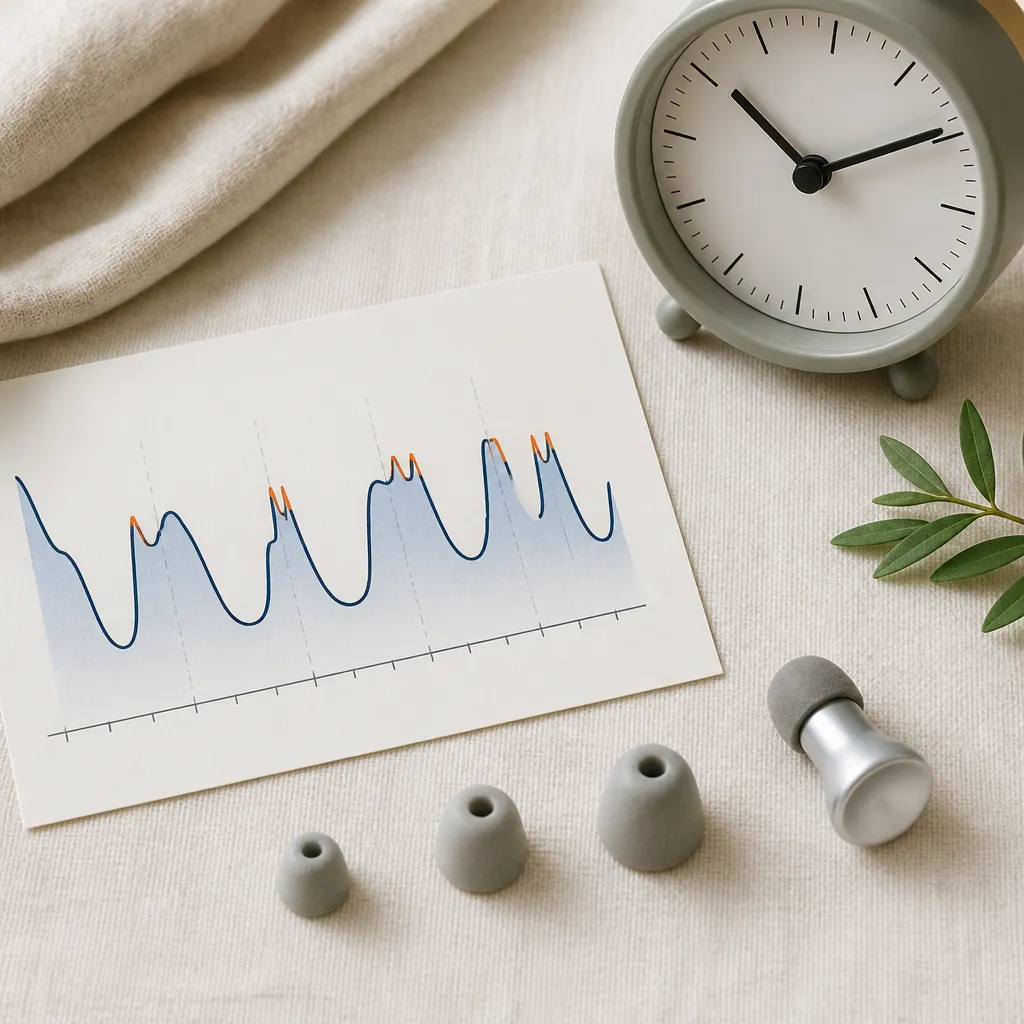
Hold bedtime within about 30 minutes of your usual time. Use the same caffeine cutoff, keep your alcohol habits consistent, and avoid starting a new supplement during the test. If you change something in your routine, write it down so you can explain an outlier later.
Wear the tracker the same way each night, on the same wrist or finger, and charge it on the same schedule. A loose device or one that dies halfway through the week will produce data you can’t trust.
For each night, record four things: total estimated sleep, the number of flagged awakenings, resting heart rate if your device shows it, and a simple 1 to 5 rating of how rested you felt. Your own rating is the most valuable column because the sensor cannot produce it.
Look for a shift across the whole set, not a single standout night. If awakenings drop on ear-plug nights and your rating moves in the same direction, you have a useful answer. If nothing changes, noise may not be your main issue, and it is worth looking at other causes.
Pro tip: Start the test with a fresh set of foam tips. A tip that has lost its shape by week three will skew the second half of your data in a direction you can’t predict.
No single method answers the question on its own. Each approach gives you a different kind of evidence, and the most useful setup combines them. The table below compares three common ways to approach noisy nights.
| Approach | What It Tells You | Where It Falls Short |
|---|---|---|
| Wearable tracker alone | Trends in estimated duration, movement, and resting heart rate | Cannot identify the sound that caused an awakening |
| Tracker plus a written noise log | Matches flagged awakenings to specific sounds and times | Depends on you writing things down, often at 3 a.m. |
| Foam-tip ear plugs tested against tracker trends | Shows whether lower noise exposure changes awakenings and your rating | Needs a disciplined two-week window, and the tracker still estimates |
My recommendation is the third row combined with the second. The tracker supplies consistent timestamps, the log adds context, and the ear-plug test gives you a controlled comparison. A tracker alone leaves you guessing, and a log alone becomes a chore you abandon after three nights.
ATTENU8 builds its reusable ear plugs around a concave aluminium body and three sizes of soft memory foam tips (XS, S, and M), with approximately 32dB of noise reduction. That rating assumes a good seal, so choosing the right tip size matters as much as the product itself.
Because only the foam tips need replacing every 6-8 weeks, the test is easy to repeat. You can compare a fresh set of tips against a worn set without buying a new pair each time.
Sleep trackers and hearing protection solve different problems. A tracker estimates what happened to your sleep, while hearing protection limits what reaches your ears during the shift. Construction, manufacturing, and military work can expose you to sound levels that a wristband will never report, so the two should be managed separately.
Workplace noise exposure is measured with dedicated instruments, not inferred from movement. A tracker might show that you slept poorly after a loud week, but it cannot tell you how much noise you took in during the shift, how long it lasted, or whether your protection was in place.
That is why hearing protection should be chosen for the environment you work in. Check that the product matches the noise you face, and remember that any hearing protection is only as good as its fit.
Insert foam tips by rolling them into a thin shape, pushing them in, and holding them for about 20 to 30 seconds while they expand. Then test the seal by talking and chewing. If your voice sounds boomy or outside sounds seem unchanged, reseat the tip or try another size.
Replace tips that look compressed, discolored, or stiff, even if the 6-8 week mark has not arrived. Damaged foam seals poorly, and a poor seal undermines the protection you think you have.
Pro tip: If you notice ringing, muffled hearing, or distorted sound after a shift, book a hearing test instead of adjusting your sleep tracker settings. A tracker cannot detect changes in your hearing.
A set of ear plugs performs only as well as its foam tips allow. The metal body can stay in service for a long time, but the foam tips are the part that wears down, and they need replacing every 6-8 weeks. Tracking that date matters more than most people expect.
Pick a replacement date when you start a test and write it on your calendar. Otherwise, a tip that has gone stiff by week seven quietly changes both your comfort and your data.

Wipe the metal body with a dry or lightly dampened cloth after use, and let it dry completely before you put it away. Keep it in a case away from heat, direct sunlight, and bathroom humidity. Trapped moisture is one of the quickest ways to shorten the life of foam.
Avoid tossing the plugs into a pocket with keys or coins. Small impacts can dent the sealing edge of the foam, and a dented tip will not seal evenly against the ear canal.
Three sizes sound like a narrow range, but the wrong size is one of the most common reasons for poor performance. If a plug falls out during sleep or feels tight after an hour, try the next size up or down before you judge the product.
When you run your ear-plug test, log which size you used. A size change between weeks changes the seal, and that is a variable you need to know about.
Pro tip: Keep a spare set of foam tips for the length of your test. Swapping in fresh tips mid-test removes one more uncontrolled variable, so you never have to guess whether a worn tip is behind a bad night.
Most consumer sleep trackers do not measure sound levels. They detect movement and heart rate, so they can flag an awakening but cannot identify the sound that caused it. A separate sound log is the most practical way to link the two.
Fitbit estimates wake time from movement and heart rate patterns. A brief arousal with little body movement can be missed, while a small turn or limb shift can be counted as awake even if you barely stirred. Compare the flagged time with your notes before deciding the reading is wrong.
Ring-style trackers also rely on movement and heart rate signals, so they face the same limit. They can show trends clearly over weeks, but they still cannot tell you what sound was present. Use the trend data together with a manual noise log.
Plan on at least 14 nights, alternating between the two conditions where you can. One or two nights tell you very little, because normal variation from stress, alcohol, and schedule can swamp any effect from noise.
Ear plugs sit in your ears, not on your wrist or finger, so they don’t normally affect how the sensor reads movement. The real risk is indirect: a poorly fitted or worn tip changes the noise you hear, which changes the data you are trying to measure.
Yes, when your environment calls for it. Choose protection rated for your workplace, check the fit before every shift, and replace damaged tips. If you notice ringing or changes in your hearing, see a hearing professional rather than relying on sleep data.
Did you ever match a flagged awakening to the sound that caused it, and what did your tracker get right or wrong?

